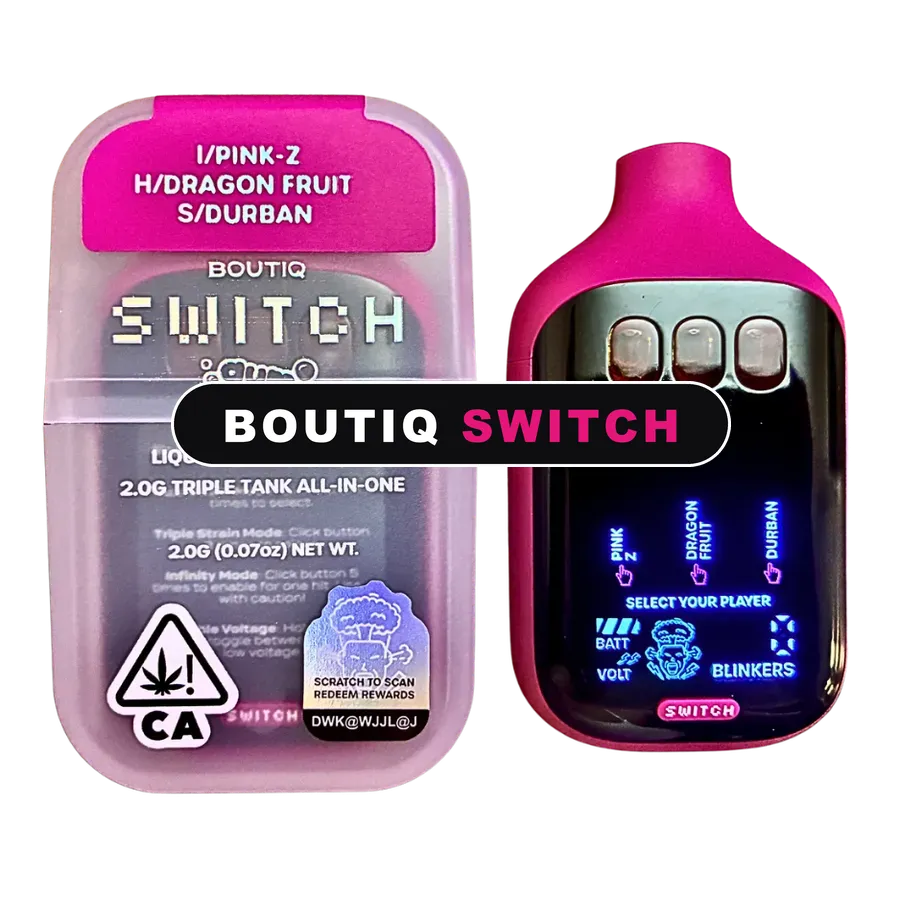
How to Change Voltage on Boutiq V5 Switch Devices
Here is how to change voltage on Boutiq V5 devices: follow the button-press sequence printed on the card inside your box, and the screen will show the heat level as you step it up or down. There is no single sequence to memorize, because the brand has changed it between batches. That is the plain truth, and it is why I will not print a click pattern here. What I can give you is the right order to do things, where to start and how to tell if the setting is wrong.
How to change voltage on Boutiq Switch V5 units
Most Switch units let you raise or lower the heat with a sequence of button presses, and the screen shows the level you are on. The catch is that the exact sequence has not stayed the same from one production batch to the next. Two V5 devices bought months apart can use different presses. Any video or forum post that tells you a fixed pattern may be right for their device and wrong for yours.
So the card that came in your box is the only instruction that counts. Use this checklist with it:
- Find the card in your box. Keep it with the device until you have the sequence memorized.
- Charge first. A low battery makes every setting feel weak, so you cannot judge heat properly on a flat device.
- Pick a single tank. Testing on one strain makes it easier to taste the difference between levels.
- Run the sequence from the card. Press slowly and deliberately, then look at the screen to confirm the level changed.
- Start on the lowest setting. Take a short draw of two or three seconds.
- Step up one level at a time. Only move up if the vapor still feels thin after a few draws on a charged, warm device.
- Stop at the first level that feels right. Going higher than you need only costs flavor and oil.
Lost the card? Do not start pressing random combinations. On a Switch, the selector button also moves between tanks and into Infinity Mode, so guessing usually just changes the tank. Contact us with a photo of the device and the box instead.
What does volt mean on Boutiq?
Voltage is how hard the battery pushes power through the heating coil. More voltage means a hotter coil. A hotter coil vaporizes oil faster, so you get bigger clouds per draw. It also cooks off the lighter flavor notes and empties the tank sooner. Less voltage means a cooler, slower, more flavorful draw.
So when people ask what does volt mean on Boutiq screens, the short answer is heat. The number or bar you see is a heat level, not a strength rating for the oil. It does not change what is in the tank, only how hot the coil runs while you draw.
Boutiq Switch V5 voltage settings: low vs high
Use this table to read what your setting is doing. It works on any draw-activated device with adjustable heat, not only the V5.
| What you notice | What it usually means | What to do |
|---|---|---|
| Burnt or harsh taste, oil still in the tank | Heat set too high | Step the voltage down and retest |
| Burnt taste on one tank only | That tank may be empty | Switch to another tank and check oil levels |
| Thin vapor on a charged, warm device | Heat set too low for that oil | Step up one level only |
| Thin vapor on a low battery | Battery, not voltage | Charge before changing anything |
| Good clouds but flavor fades fast | High heat burning off flavor | Drop a level and draw a little longer |
| Tank empties faster than expected | High heat, or Infinity Mode on | Lower the heat or go back to a single tank |
Burnt taste is the one people message us about most. With oil still showing, high voltage is the usual cause. If every tank tastes burnt and there is oil left at a low setting, contact us.
How to turn up voltage on Boutiq V5 (and when not to)
If you are wondering how to change the voltage on Boutiq V5 units upward, turning it up uses the same card sequence, just in the other direction. My honest recommendation is to leave it on the lowest setting that gives you a satisfying draw. Most people who crank the heat on day one end up with a burnt taste and a tank that runs dry long before they expected.
Before you turn up voltage on a V5 because it feels weak, rule out the simpler causes. Is it charged? Is the tank you selected empty? Is the oil cold and thick? A device that sat in a cold car will feel weak at any setting until it warms up in your pocket for a few minutes. Our guide to Boutiq not hitting fixes covers each of those in order.
Voltage and Infinity Mode
Infinity Mode fires every tank at once, so one draw blends all three strains. It uses oil three times as fast as a single tank and hits harder already. Pairing it with a high heat setting is the quickest way to empty a V5. If you like the blend, try Infinity Mode on the lowest heat first. More on that in what Infinity Mode does on the V5.

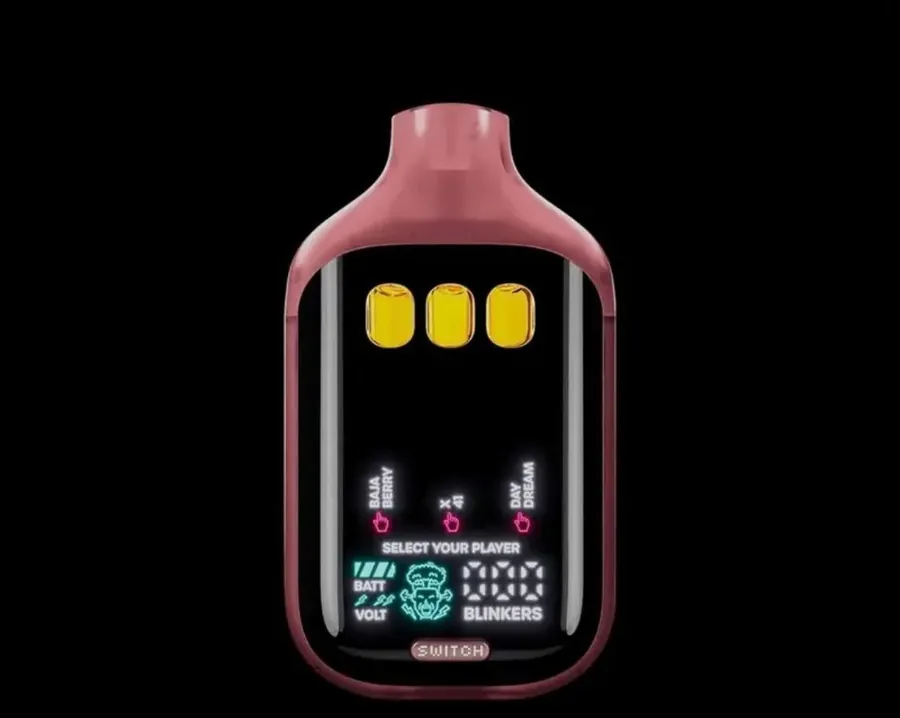

How to change the voltage on a Boutiq V5 Gum, Orb or other Switch
The same rule holds across the range. The V5 Gum and Orb editions, the Switch V4 and Glow, the V6 and the older two-tank V3 all follow the card in their box. If a card shows a heat sequence, use it exactly as written. If your card does not mention heat at all, do not assume your unit has a hidden setting. Our Boutiq Switch how-to guide covers tank selection and the other controls for each model.
How to change voltage on Boutiq switch models from older batches
Older stock is where mixed-up instructions cause the most confusion. If you bought a device a while ago and found a different sequence online, trust your own card over the internet. The sequence on the card matches the batch it shipped with.
How to change voltage on Boutiq carts
Boutiq 510 carts have no heat control of their own. The voltage comes from the battery you screw them onto. If your 510 battery is adjustable, start somewhere around 2.6 to 3.0 V and only go higher if the draw is thin once the cart is warm. Lower settings keep flavor, higher settings give bigger clouds and burn through oil faster, exactly as on the Switch. The flavors we stock are on the Boutiq 510 carts range.